
The Real Estate Video Music Guide: What Actually Works in 2026
I’ve been creating property videos for the past eight years, and I can tell you—choosing the right background music is something most agents completely underestimate. Not because they don’t care, but because it feels like one more technical thing to figure out when you’re already juggling showings, contracts, and client calls.
But here’s the thing: I’ve had buyers tell me they “just loved the vibe” of a listing video, and when I dig deeper, it’s often the music doing the heavy lifting. On the flip side, I’ve also watched agents lose potential leads because their video felt off—even when the house itself was gorgeous.
So let me walk you through what I’ve learned about picking music that actually helps sell properties, without making this more complicated than it needs to be.
Contents
Why Audio Matters More Than You Think
The First Impression Problem
Most buyers decide whether they’re interested in a property within the first few seconds of watching a video. You probably know this already. What’s less obvious is that music plays a bigger role in that decision than we give it credit for.
I ran a small test last year with two versions of the same listing video—identical footage, different music. One had a warm acoustic guitar track, the other had an upbeat corporate-style loop. The acoustic version got 40% more email inquiries. Same house, same agent info, different music.
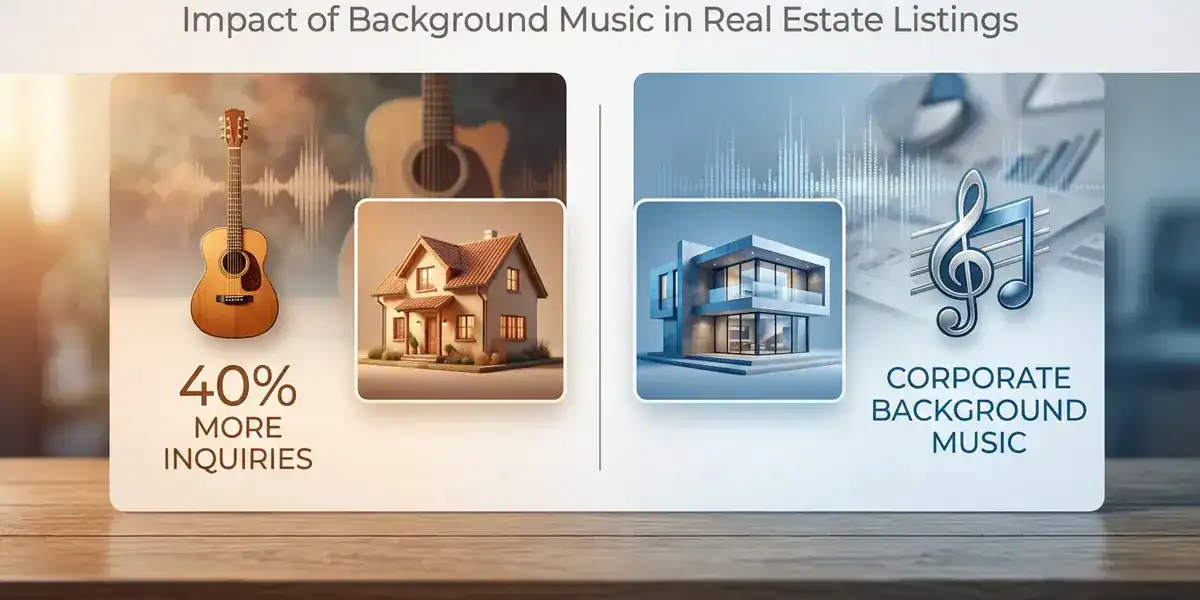
It’s not magic—it’s just that people buying homes aren’t making purely logical decisions. They’re imagining their lives in that space, and music either supports that emotional connection or disrupts it.
Where Most Agents Go Wrong
The biggest mistake I see? Using the same cheerful, ukulele-driven track for every single listing. I get it—those tracks feel safe and optimistic. But when you use identical music for a $400K family home and a $2M estate, something feels wrong to viewers, even if they can’t articulate why.
Matching Music to Property Types
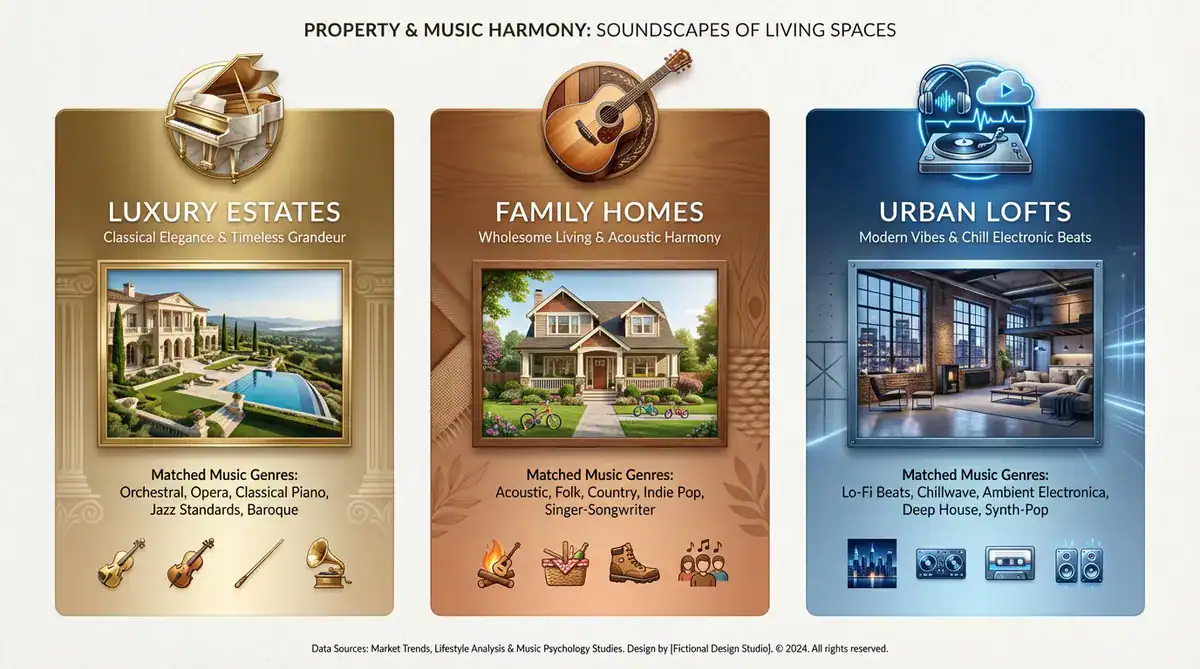
This is where things get practical. I’ve found it helpful to think about music in three broad categories, based on who’s likely watching.
High-End Properties
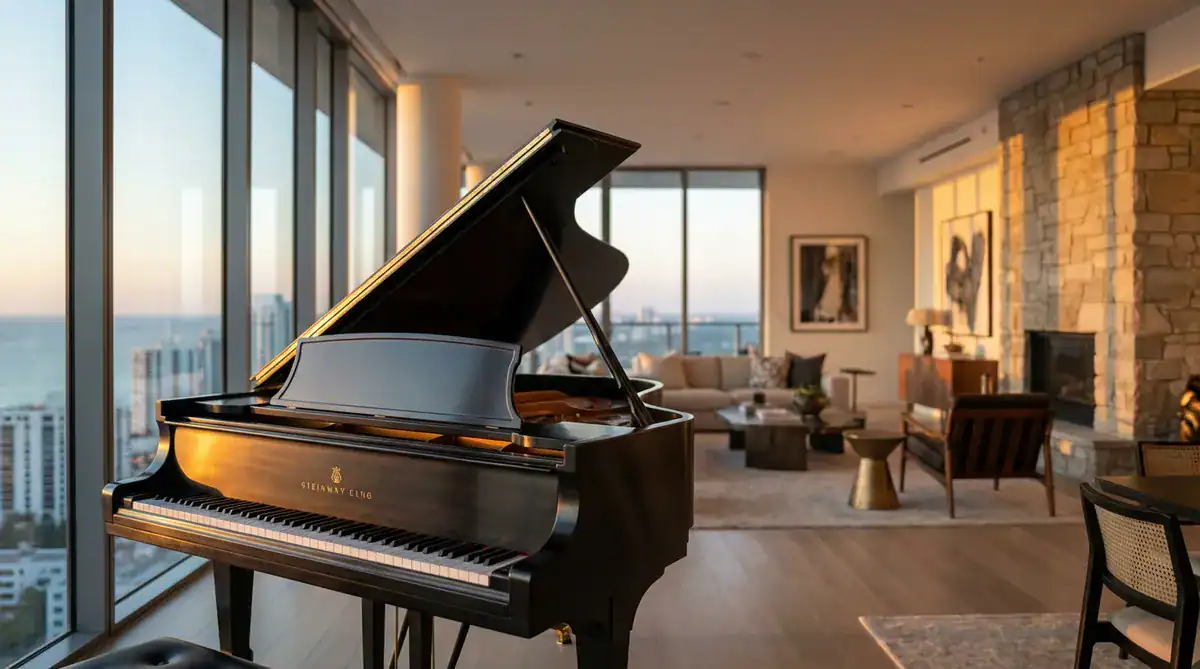
When I’m shooting luxury listings, I slow everything down. The buyers here aren’t impulse shopping—they’re evaluating details, comparing finishes, imagining entertaining guests.
What works: Piano pieces, string arrangements, ambient soundscapes that sit quietly in the background. Think understated elegance, not drama.
What doesn’t work: Anything with a fast tempo or obvious hooks. It makes expensive properties feel like they’re trying too hard.
Family Homes in the Suburbs
This is where that acoustic guitar actually makes sense. Families looking at suburban homes want to feel warmth and possibility—backyard birthday parties, Sunday mornings, that kind of thing.
What works: Acoustic instruments, light folk, indie pop that’s gentle rather than aggressive. The music should feel approachable, like something you’d hear at a coffee shop.
What doesn’t work: Anything too polished or synthetic. These buyers respond to authenticity.
Urban Condos and Lofts
Younger buyers shopping for city living have different expectations. They’re evaluating lifestyle and location as much as square footage.
What works: Lo-fi beats, modern jazz, downtempo electronic music. It should feel current without being distracting.
What doesn’t work: Traditional orchestral music or anything that feels too suburban. The music needs to match the energy of city life.
Getting the Technical Stuff Right
Tempo and Pacing
I learned this the hard way: your music tempo needs to match your editing speed.
If you’re doing slow, smooth walkthroughs with a gimbal (which works great for showing flow between rooms), you need slower music—around 60-90 beats per minute. When the music is too fast, it creates this weird tension that makes viewers uncomfortable.
For quick social media clips where you’re cutting rapidly between rooms, you can go faster—100-120 BPM works well. But honestly? I find myself using slower tempos more often than not. Buyers need time to process what they’re seeing.
Balancing Music with Voiceover
This trips up a lot of people. If you’re narrating details about the property, your background music can’t compete with your voice.
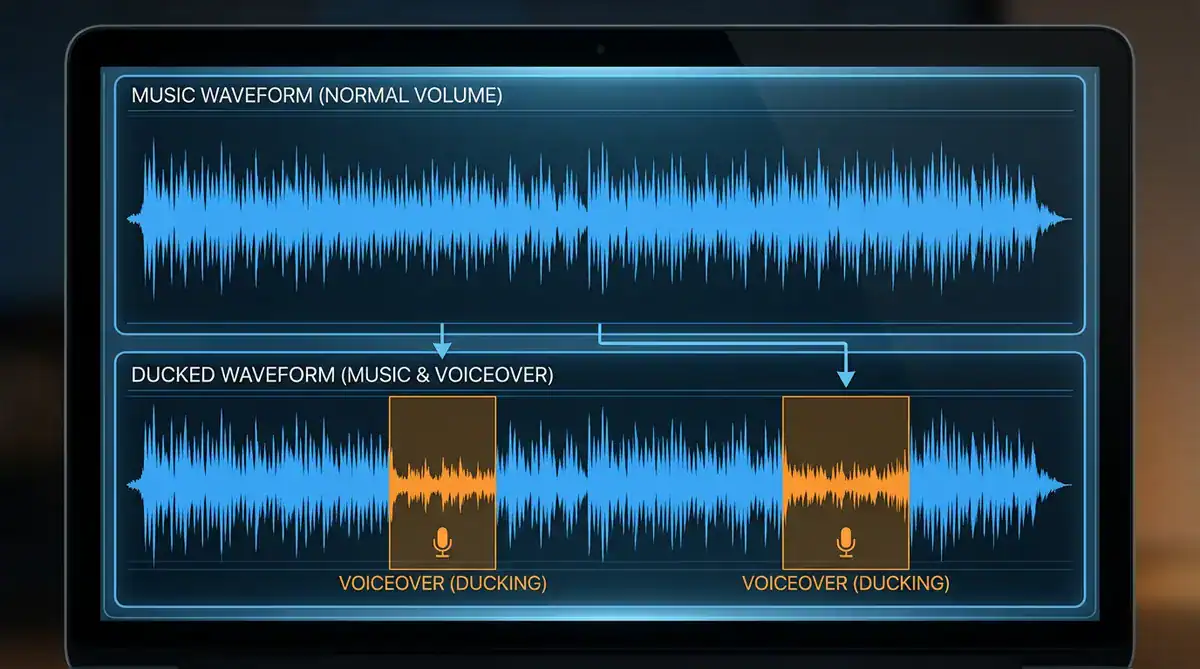
The technique is called “ducking”—basically, the music volume drops when you speak. Most editing software can do this automatically now, but even if you’re adjusting it manually, aim to lower the music by about 10-15 decibels during voiceover sections.
I always do a final check on my phone with just the built-in speaker. What sounds perfectly balanced on my computer can be too loud or too quiet on the devices most people actually use.
The Copyright Situation (Yes, It Matters)
Look, I know this part isn’t exciting, but getting hit with a copyright claim is a nightmare. Your video gets muted or removed right when you need it working.
What You Actually Need to Know
You can’t just download songs from Spotify and drop them into your videos. Even if the song isn’t currently popular, even if you’re not monetizing the video—it’s still a copyright violation.
Here’s what’s actually safe:
- Properly licensed royalty-free music from legitimate platforms
- Music where you’ve purchased commercial rights (this is different from personal use)
- Platform-specific libraries that explicitly allow business use
The “royalty-free” label confuses people. It doesn’t mean free—it means you’re not paying ongoing royalties for each use. You still need to pay for the license upfront and make sure it covers commercial use.
A Reality Check on Social Media
Instagram and TikTok have music libraries, but the rules are different for business accounts. Personal accounts can use popular songs more freely, but business accounts get restricted. I’ve seen agents get their videos muted mid-campaign because they used trending audio that looked available but wasn’t actually licensed for commercial use.
Making This Work in Real Life
Here’s my honest workflow, because I know you don’t have unlimited time for this:
Building Your Go-To Library
I keep about 8-10 tracks saved that I know work for different scenarios. When I get a new listing, I’m not starting from scratch—I’m choosing between options I’ve already tested.
It takes maybe an afternoon to build this library initially, but it saves hours every month after that.
When to Use Tools vs. Doing It Yourself
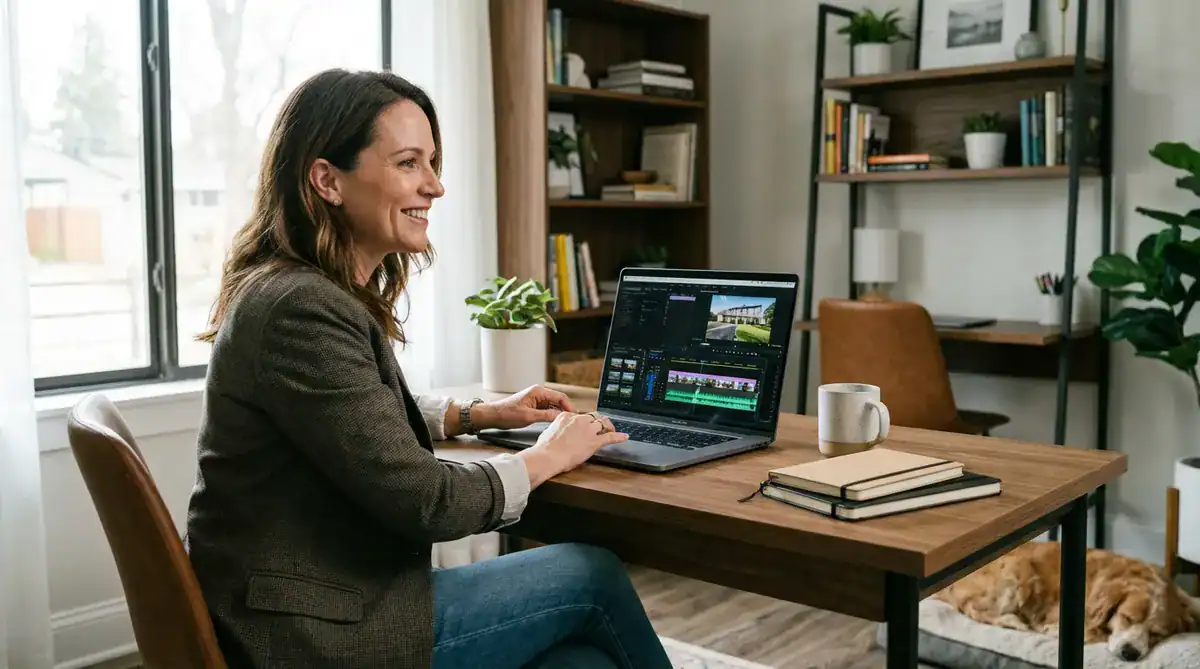
There are platforms now that can auto-generate listing videos with music already selected based on property details. I’ve experimented with some of these, and they’re genuinely useful when you’re slammed and need something out quickly.
The trade-off is customization—automated tools won’t capture every nuance the way you might manually. But honestly? For standard listings, they get you 85% of the way there, which is often good enough.
Testing What Actually Works
I track which videos get the most engagement, and I’ve noticed patterns. Videos with calmer, more intentional music tend to get more saves and shares. High-energy tracks might get initial views, but people don’t seem to return to them or send them to partners/family.
Your market might be different, though. Pay attention to your own data.
Common Questions I Get
Can I use popular songs if I’m just posting on Instagram? It’s risky with business accounts. Even if the song appears in your available library, you might face restrictions. I’ve learned to just avoid this entirely rather than deal with videos getting muted after they’ve been up for a week.
How loud should the music actually be? If there’s no talking, it can be the main audio element. If you’re narrating, the music should be noticeably quieter—enough that someone could ignore it if they wanted to.
Is instrumental always better? Almost always, yes. Lyrics compete with your message and can distract viewers. The rare exception might be a very soft vocal track where the lyrics are barely distinguishable, but even then, instrumental is safer.
[Image Suggestion 6 – Info Graphic] Prompt: Create a simple FAQ-style graphic showing three common questions with icons. Question 1 with a music note and Instagram logo, Question 2 with volume/waveform bars, Question 3 with an instrumental vs. vocal comparison icon. Use a clean, FAQ layout with easily scannable information. Professional blog infographic style.
What I’d Do Differently If I Started Over
If I could go back and give advice to myself eight years ago, I’d say: stop overthinking it, but also stop treating music as an afterthought.
The music doesn’t need to be perfect—it just needs to not get in the way. Start with instrumental tracks that match the general vibe of your property. Keep your library small and manageable. Test on your phone before publishing. And for the love of god, make sure your voiceover is clear.
The goal isn’t to become a professional video editor. The goal is to create videos that help buyers connect with properties emotionally, so they take the next step and book a showing.
Everything else is just details.
