
The 2026 Real Estate Marketing Workflow: From Listing to Ready-to-Use Assets
By ListingHub Editorial TeamLast updated: 2026‑01‑15 Disclosure: This article references ListingHub and discusses AI-assisted marketing workflows. Results vary by market, pricing, and execution. For corrections or questions, contact support@listinghub.ai.

If you’re trying to win more listings, get more showings, and keep a consistent content pipeline—video is still the fastest lever you can pull in 2026.
The issue is not effort. It’s throughput: most agents don’t have time to edit, write captions, polish a CMA, and “make it all look premium” for every listing.
That’s where ListingHub fits: one place to turn a listing into the marketing assets you actually use—video, CMA-style reports, enhanced photos, and ready-to-post copy—in minutes.
Contents
Quick Snapshot: What ListingHub Actually Does

ListingHub is an all‑in‑one real estate marketing platform that helps you:
- Create scroll‑stopping listing videos from your listing assets
- Produce polished CMA-style reports you can use in follow‑ups and listing appointments
- Enhance listing photos for a cleaner, more consistent look
- Generate ready‑to‑post marketing copy (with variations you can adapt by channel)
The biggest difference is not “AI.” It’s the workflow: fewer handoffs, fewer tools, and faster time‑to‑publish.
Top 7 Reasons Realtors Choose ListingHub
- One listing → a full marketing pack (video + CMA + photos + copy)
This is the big one.
Most tools solve one slice of the job. ListingHub is built around how agents actually work: a listing comes in, and you need multiple deliverables—fast.
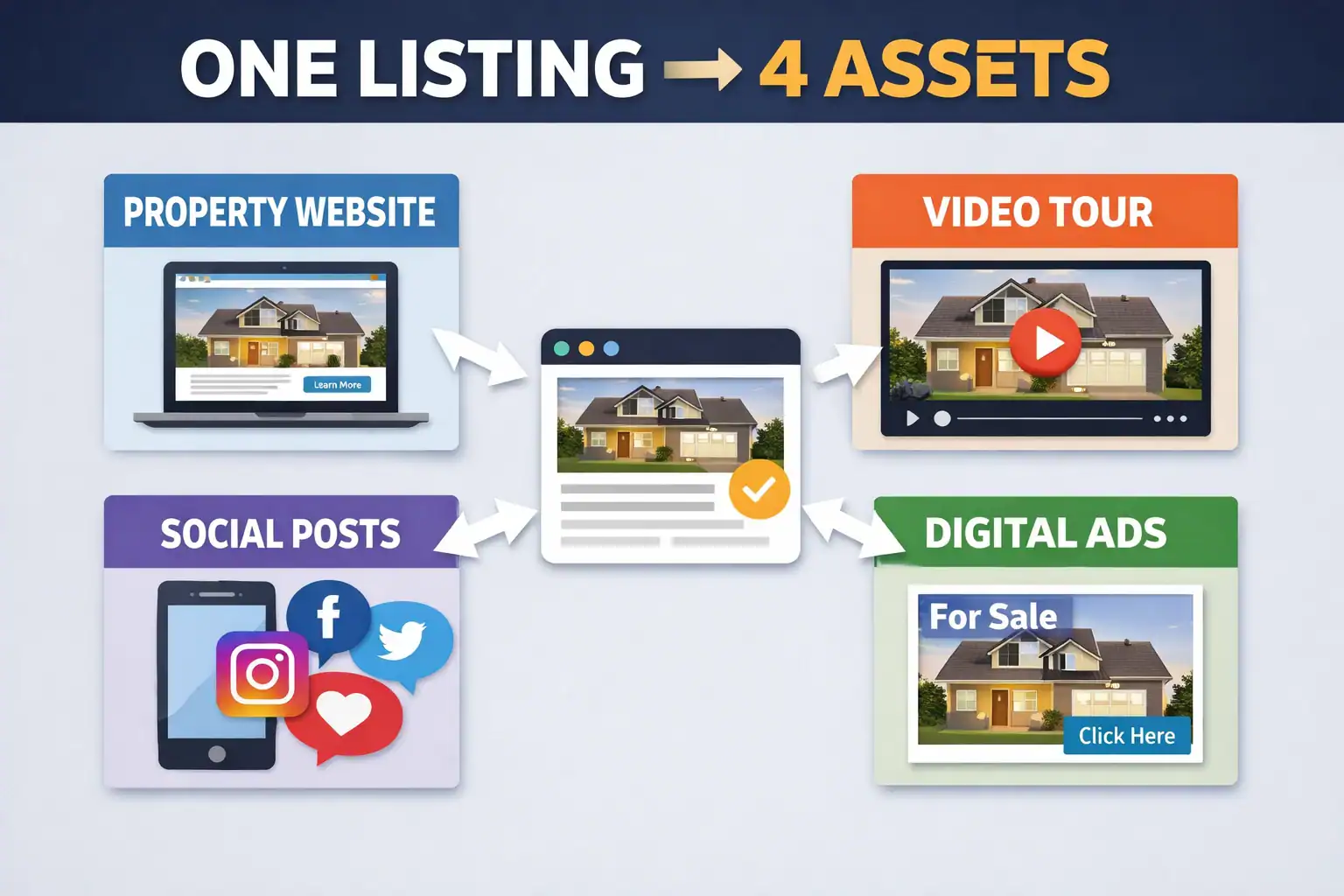
Why that matters for Realtors
- You can stop rebuilding the same materials in four different places
- Your follow‑ups look more professional (especially to sellers)
- Your output becomes consistent—without hiring an editor for every listing
- Faster speed‑to‑market (because the first 48 hours matter)
In real estate marketing, timing is leverage. When a listing goes live, you want your assets ready quickly—so you can push distribution while attention is highest.
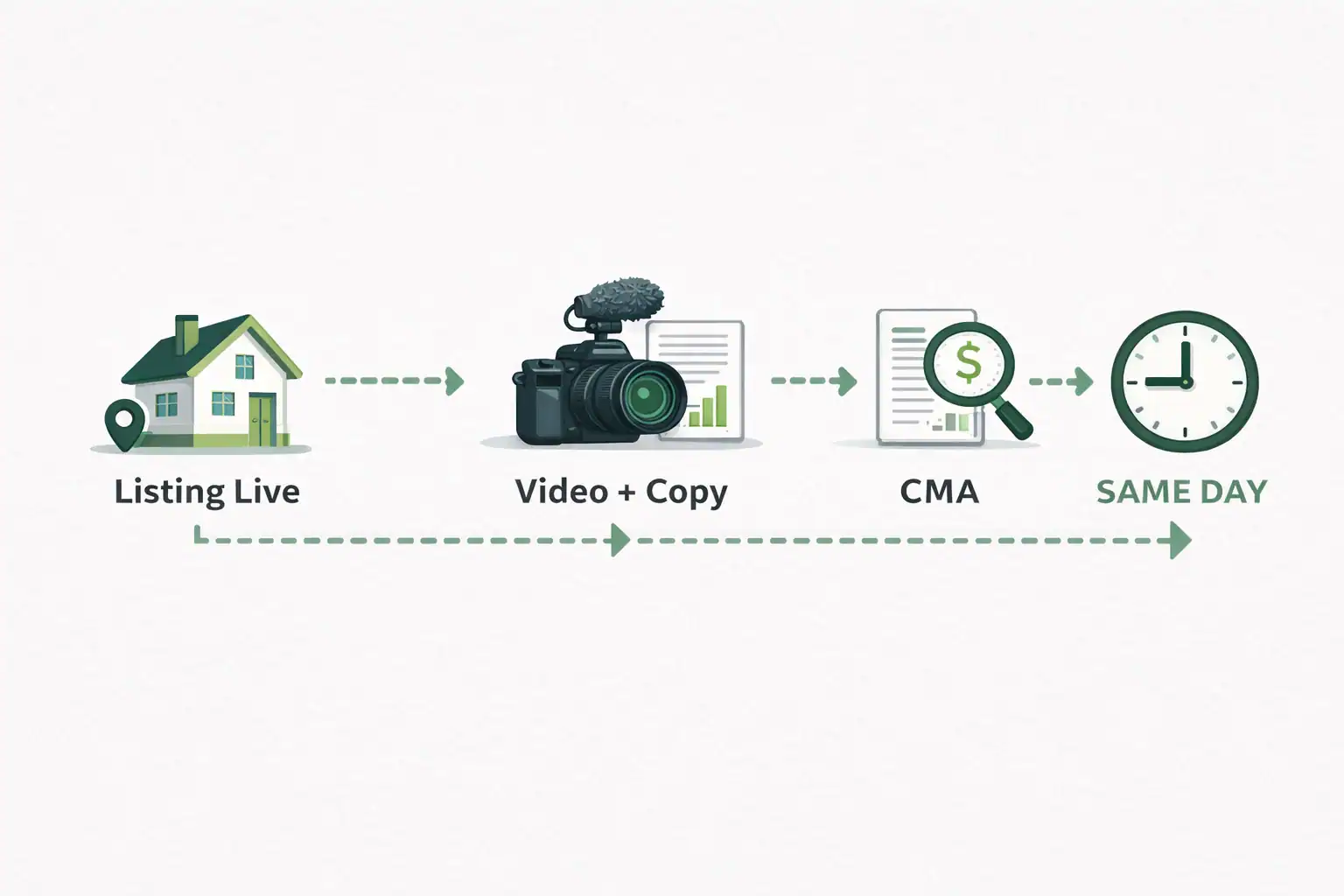
What this solves (in real life)
- “I’ll post tomorrow” becomes “it’s already live”
- You get more reps per month without doubling your workload
- You can maintain consistency even during busy weeks
- CMA-style reports that don’t feel like a spreadsheet export
A CMA is not just data. It’s a credibility document.
Sellers are comparing agents on confidence and clarity. A polished report helps you show your process, not just your comps.

Where this wins
- Listing appointments (leave-behind or follow-up)
- Seller nurture (send something tangible after a call)
- Price reduction conversations (clear “why,” not just “because”)
- Photo enhancement that improves consistency across your brand
Most agents don’t lose deals because their photos are “bad.” They lose trust because their marketing feels inconsistent.
Photo enhancement helps you keep a cleaner baseline—especially when you’re using photos from different shoots, different lighting conditions, or different photographers.

Practical impact
- More cohesive listing packages
- Stronger first impression in feeds and email
- Less time spent “fixing things manually”
- Ready‑to‑post marketing copy (with versions for different channels)
Writing is a hidden bottleneck. You need:
- a short caption for Reels/Shorts
- a longer description for Facebook
- something clean for LinkedIn
- a tight follow‑up text / email snippet
ListingHub helps you generate copy you can publish quickly—then edit in your own voice.

Why this matters
- You post more consistently without sounding repetitive
- You can adapt messaging for buyers vs. sellers
- Your CTA becomes clearer (“book a showing” vs “request the details sheet”)
- Built to support seller-facing marketing (not just “just listed” posts)
In 2026, “just listed” isn’t a strategy. Sellers want a plan.
When your marketing assets look intentional—video, visuals, report, and copy—your listing presentation stops being theoretical. You can show the process.
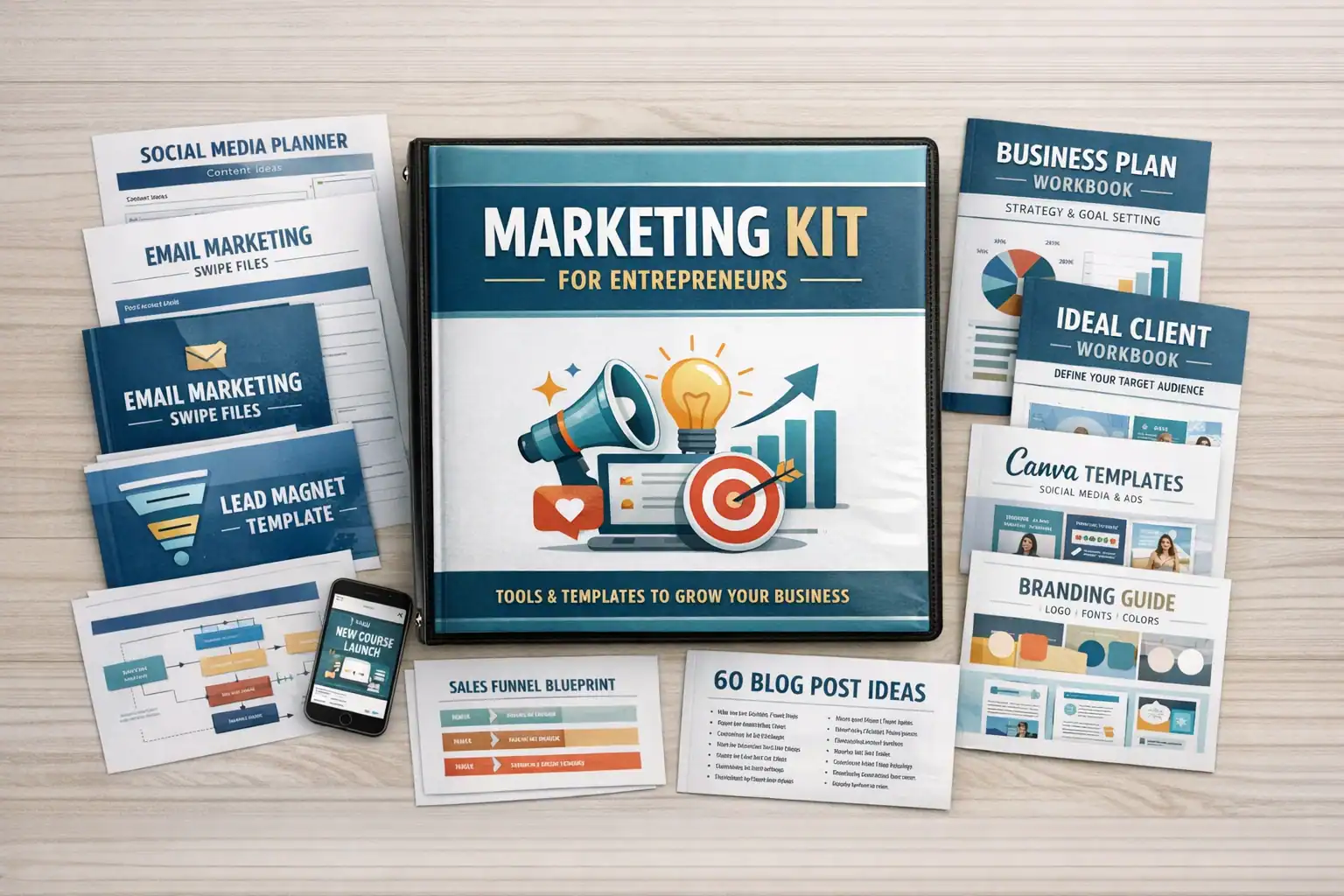
Use it to
- win the listing
- justify your fee with a visible deliverable
- set expectations on distribution (what goes where, and when)
- A repeatable workflow you can run every week (without adding tools)
The agents who win long-term aren’t the ones who “go viral once.” They’re the ones who can ship every week without burning out.
ListingHub is designed to make your output predictable: same inputs, consistent deliverables, cleaner handoff to posting.
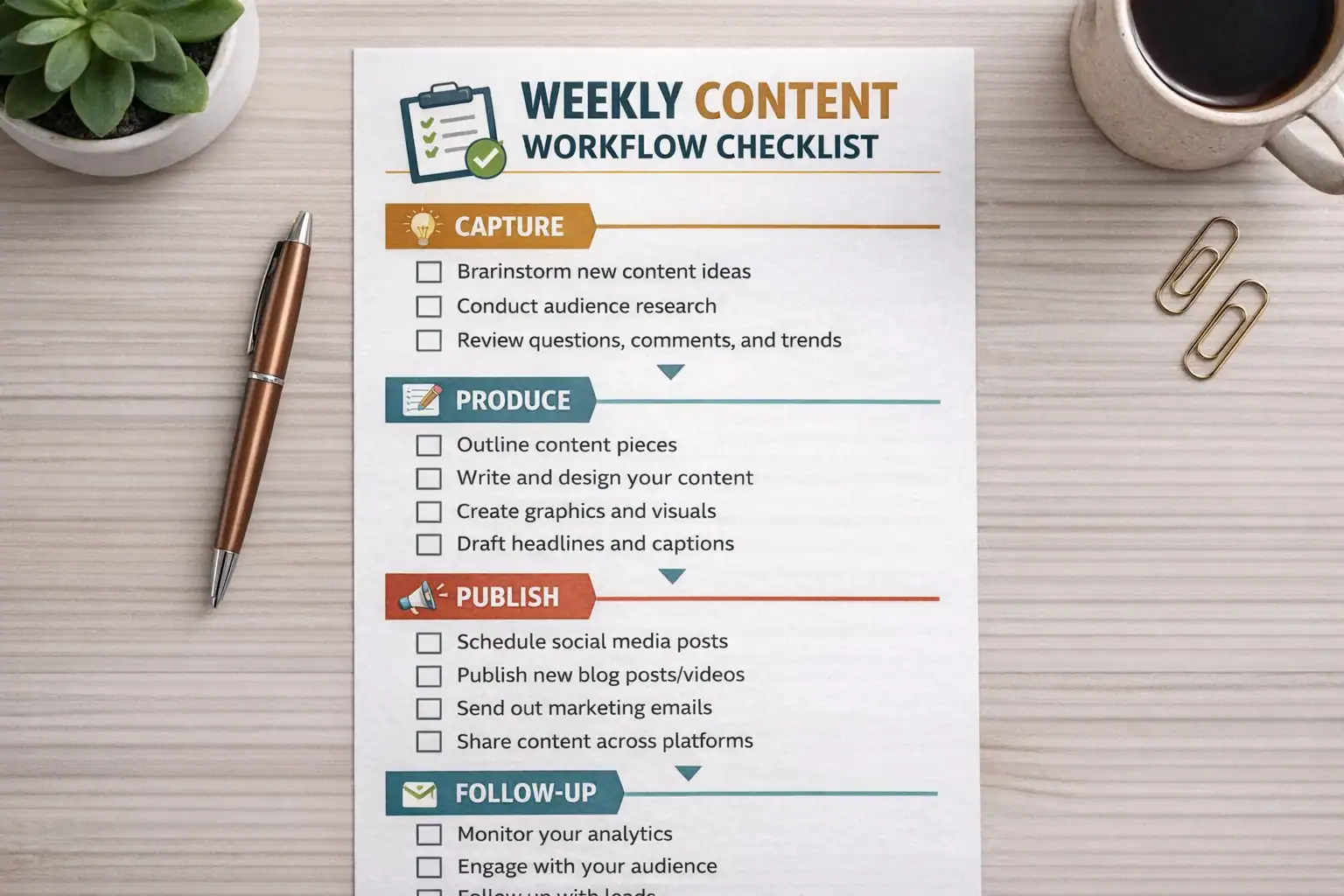
A practical standard
- You know what gets created for every listing
- You can delegate parts of the process (assistant, team member)
- You avoid last-minute scrambling
What to Look For When Choosing a Real Estate Marketing Tool (Decision Checklist)
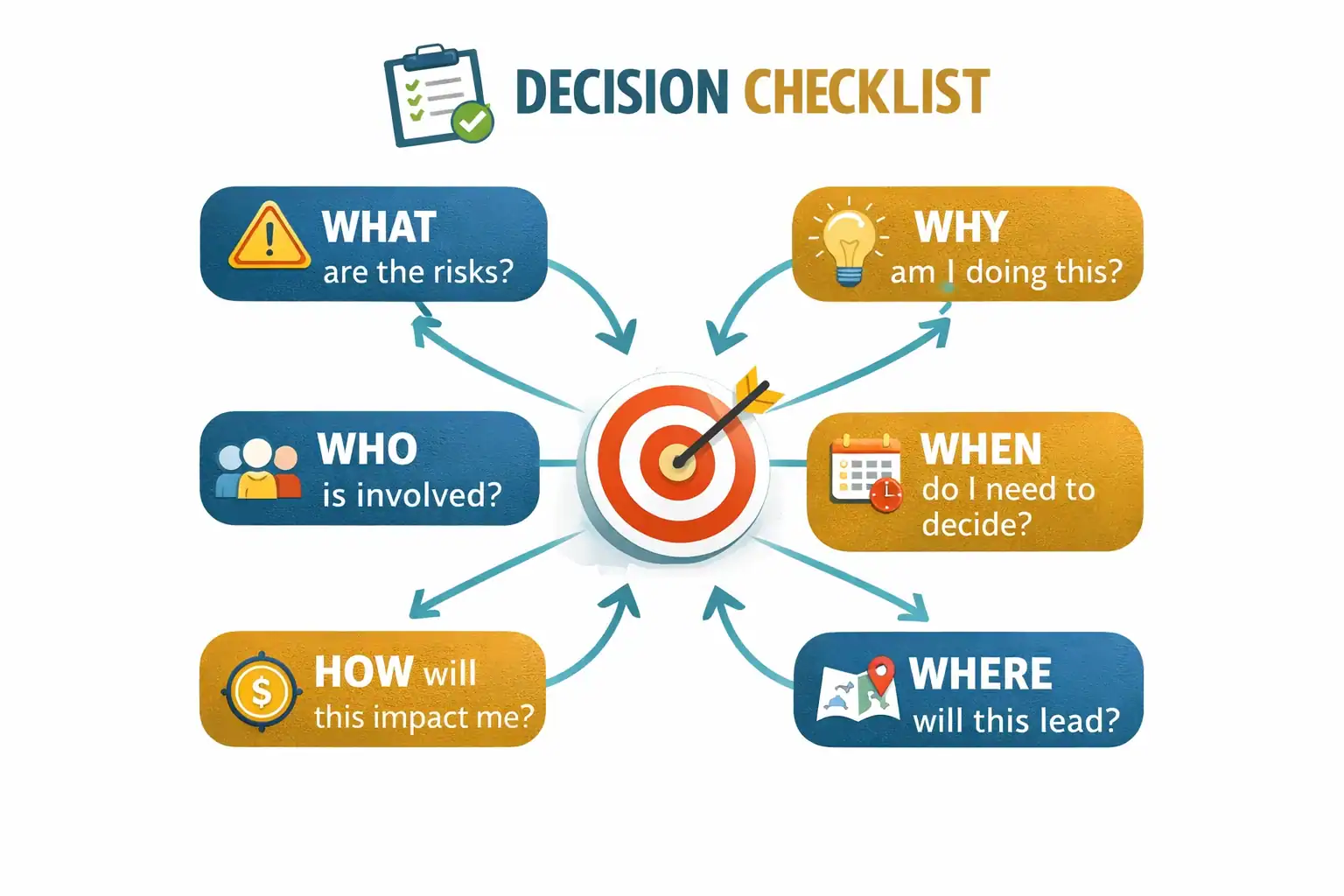
If you’re comparing tools, here’s a simple checklist:
- Does it reduce total workflow time (not just “make a video”)?
- Can you create multiple deliverables per listing (video + seller materials + copy)?
- Do outputs look professional without heavy manual editing?
- Can you keep marketing consistent across listings?
- Does it help you win listings (seller-facing assets), not only buyer views?
Google’s guidance emphasizes trust and clear authorship/process (“Who/How/Why”)—your marketing content benefits from the same discipline.
Bottom Line
Most marketing tools are single-purpose. ListingHub is built as a practical system for real estate operators: turn one listing into a full set of marketing assets quickly, then repeat that process week after week.
FAQs
- Who is ListingHub best for? Agents, teams, and brokerages who want a repeatable workflow for listing marketing—especially if video + seller deliverables are part of your value proposition.
- Do I need to be a video editor to use this? No. The point is to reduce editing and writing workload while keeping your marketing professional.
- Is this only for social media? No. The same assets support listing presentations, follow-ups, email, and seller nurture.
- Can I use it even if I’m not filming a full walkthrough? Yes. Many agents build effective videos from listing assets plus a simple “who it’s for” script.
- Will this replace my photographer or videographer? Not necessarily. Many teams use it to scale output and speed-to-market, even when they still hire pros for premium listings.
- How should I measure success? Track conversations and appointments (DMs, showing requests, listing inquiries), not just views.
