
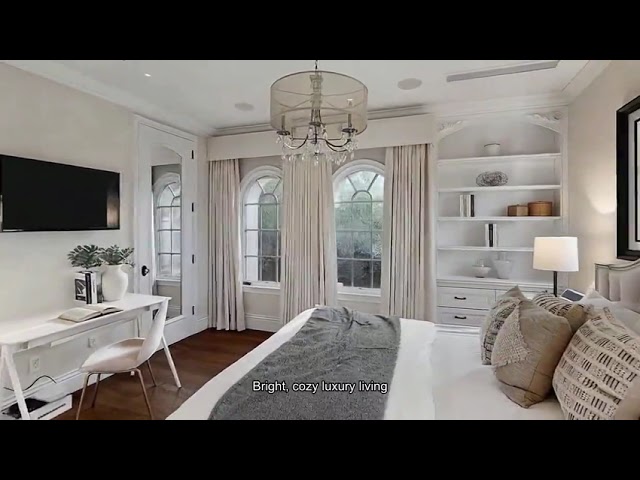
Just Listed
Just Listed Reel
Short-Form Example
Upload listing photos (or import from a link), choose your AI avatar and voice, and generate narrated videos for Reels, TikTok, Shorts, or YouTube.
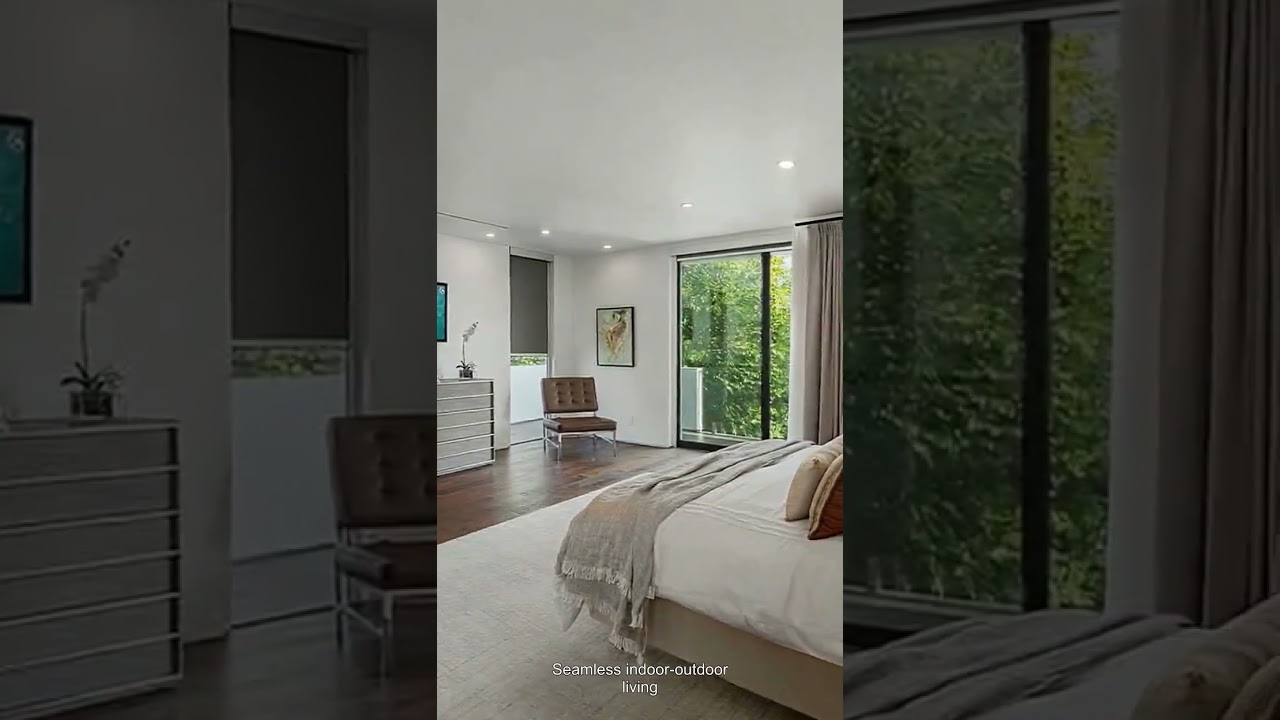
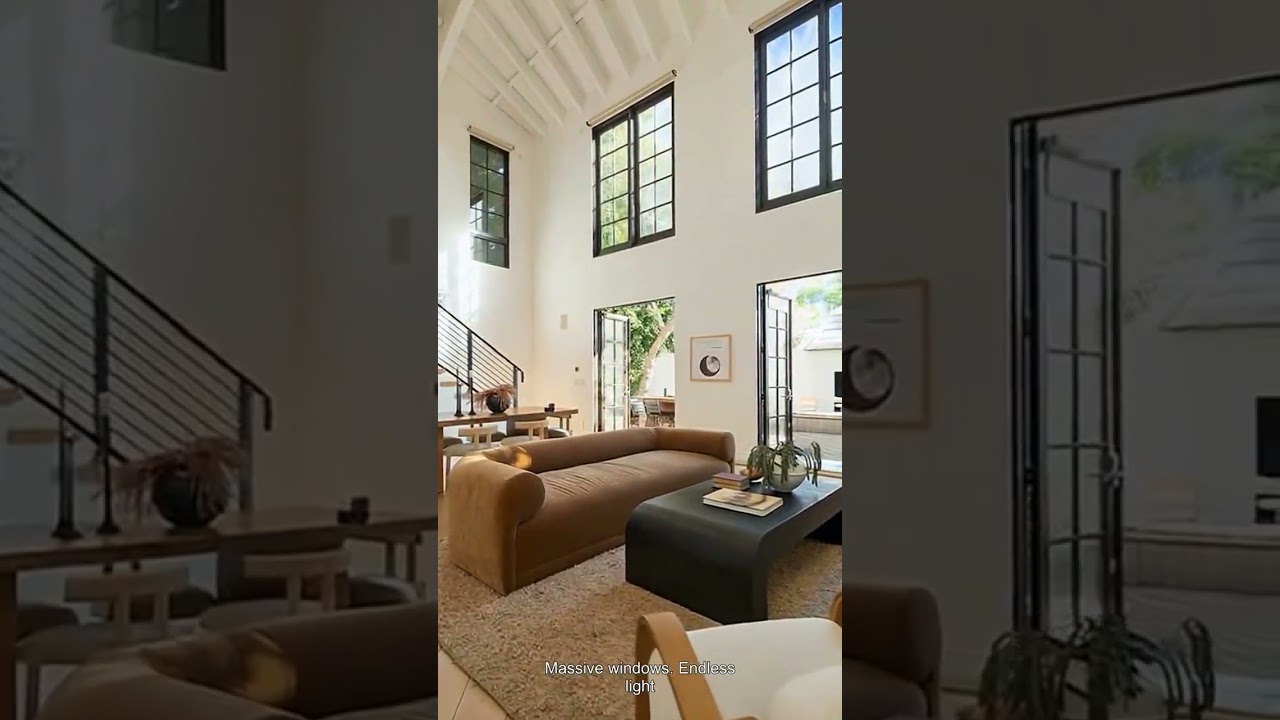
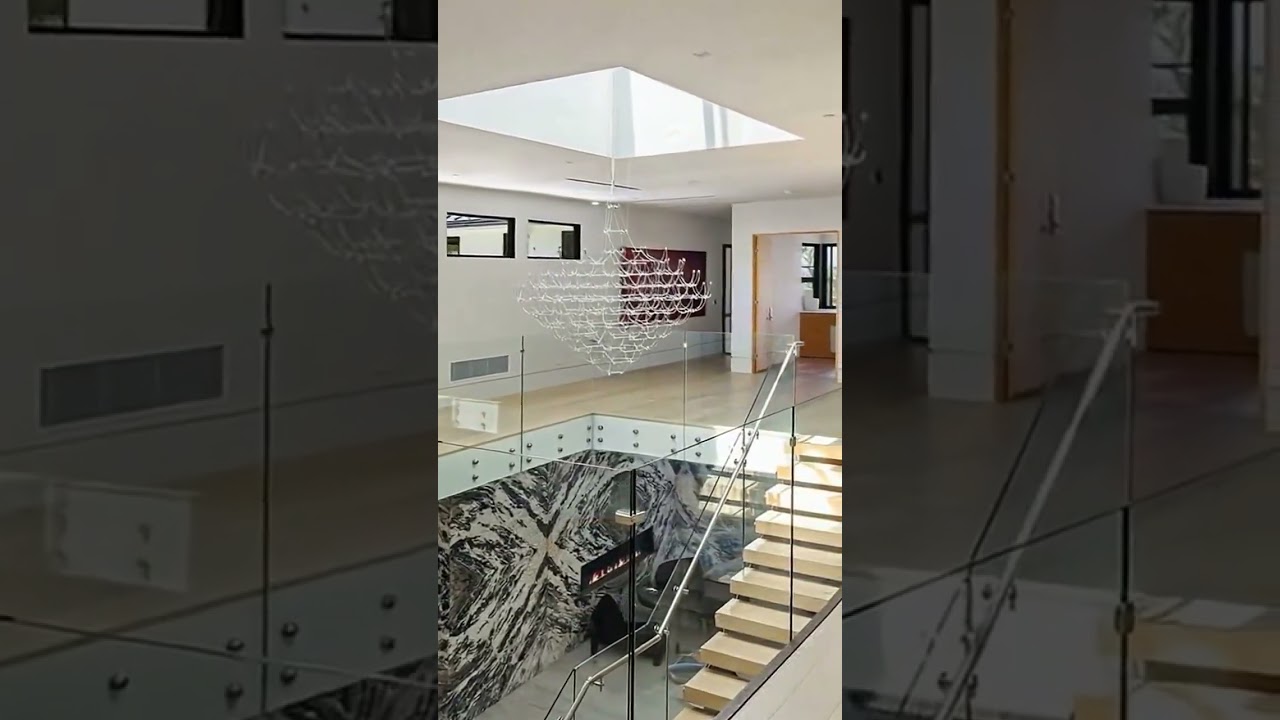
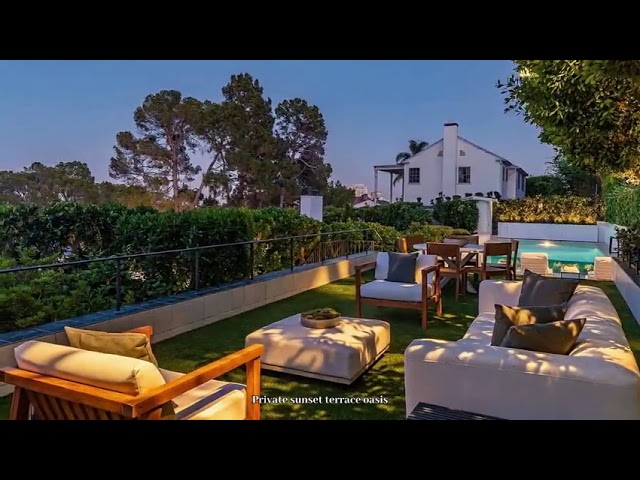
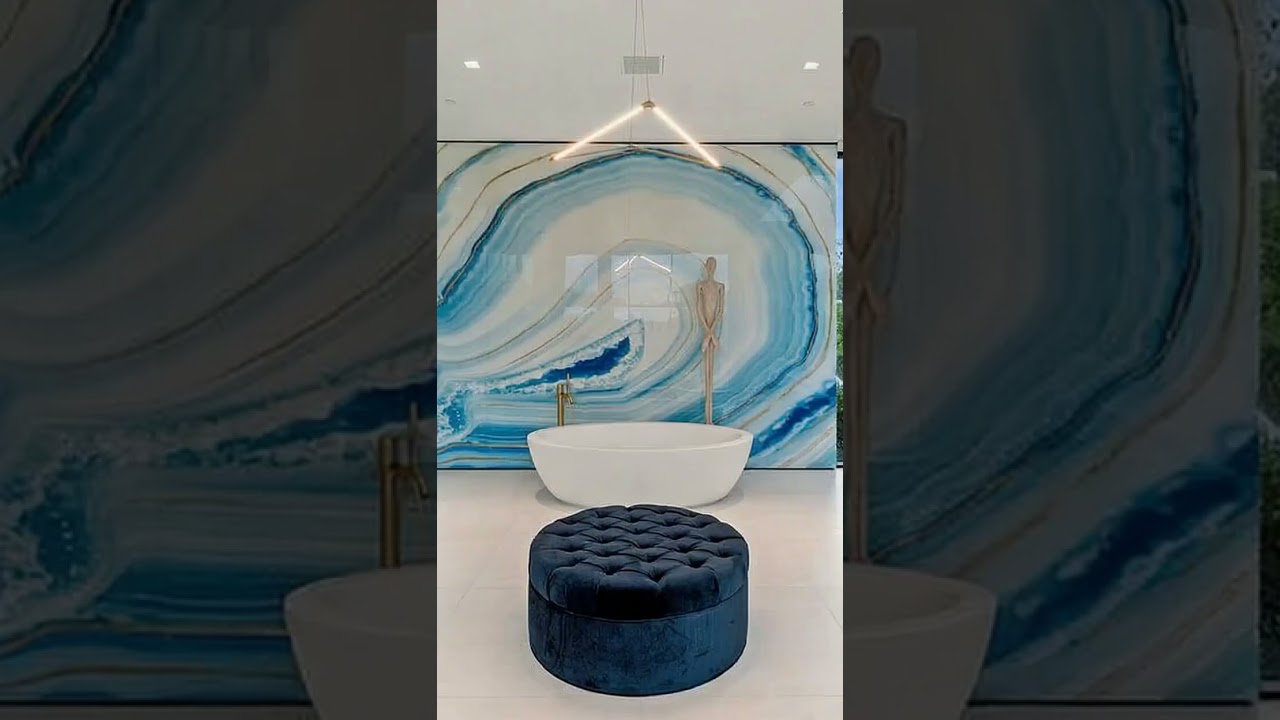
Start from your own uploaded photos or import listing photos from a supported link. Choose the exact images you want, configure your AI avatar and voice, and generate a narrated listing video.
Upload your listing photos to begin, or paste a supported listing link to import photos when available.
Select the photos you want in the video, remove duplicates, and reorder your strongest images first to improve retention.
Configure the AI presenter that appears on camera and the voice used for narration so the video matches your personal brand.
Generate the narrated listing video, export in portrait (9:16) for short-form platforms or landscape (16:9) for YouTube/website, and publish with one clear CTA.
Upload your listing photos to begin, or paste a supported listing link to import photos when available.
Select the photos you want in the video, remove duplicates, and reorder your strongest images first to improve retention.
Configure the AI presenter that appears on camera and the voice used for narration so the video matches your personal brand.
Generate the narrated listing video, export in portrait (9:16) for short-form platforms or landscape (16:9) for YouTube/website, and publish with one clear CTA.
Upload your listing photos to begin, or paste a supported listing link to import photos when available.
Select the photos you want in the video, remove duplicates, and reorder your strongest images first to improve retention.
Configure the AI presenter that appears on camera and the voice used for narration so the video matches your personal brand.
Generate the narrated listing video, export in portrait (9:16) for short-form platforms or landscape (16:9) for YouTube/website, and publish with one clear CTA.
Start with uploaded listing photos in seconds, and optionally import photos from a supported listing link to reduce setup time.
Choose exactly which photos appear, in the order you want, so the final listing video matches your marketing intent.
Use an AI avatar (digital human) so the video looks like you are presenting the listing on screen, without recording yourself.
Pick a voice that matches your tone and keep your real estate listing videos consistent across posts.
Create just listed reels, open house videos, price reduced updates, under contract posts, sold stories, and neighborhood spotlights without reinventing the workflow every time.
Produce portrait and landscape versions depending on where you publish, so you can post short-form and long-form without rebuilding the content.
Browse video examples, scripts, and templates tailored for every stage of the listing lifecycle.
Browse video examples, scripts, and templates tailored for every property type.
Want to go beyond video? Explore more AI tools and step-by-step guides built for real estate agents.
Turn listing photos into professional video tours automatically with AI-powered transitions and effects
Generate SEO-optimized listing descriptions for MLS, social media, and email campaigns in 10 seconds
Create shareable listing landing pages with premium templates and SEO-ready links
Enhance, resize, compress, and optimize listing photos for web, social media, and print materials
Create professional listing posters with customizable templates for social media and print marketing
Parse property data and auto-generate Comparative Market Analysis reports with market insights
Generate comprehensive community insights and statistics for location-based property marketing
Upload photos, select images, choose your AI avatar and voice, and generate a narrated video with you on camera—all in minutes.
Create a listing video